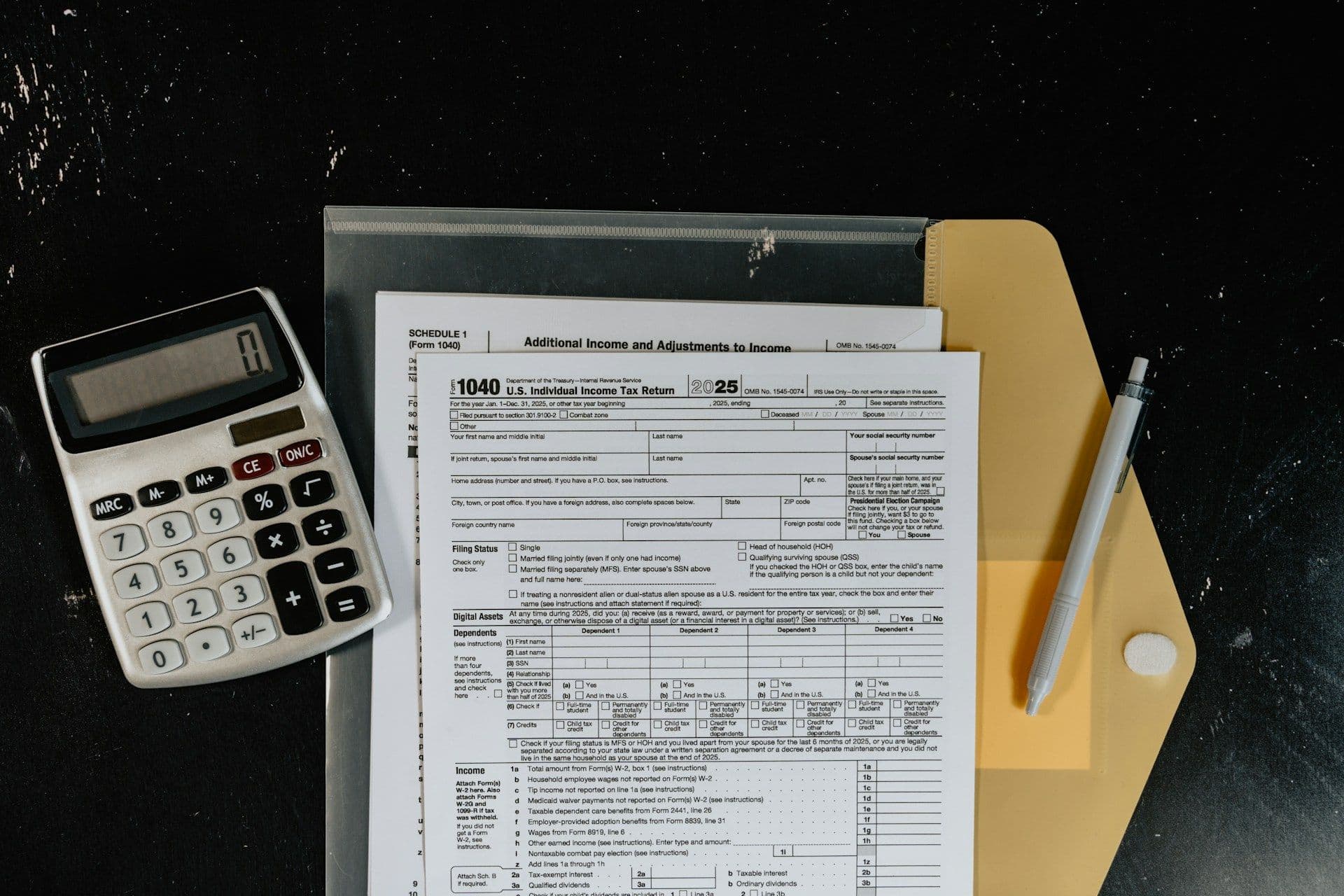
A reviewer opens your March bank rec. Next to every number there's a small mark: a check, a letter, a circled X. Those marks are the work. They're proof that someone traced each figure back to where it came from, and they tell the reviewer what that source was.
That habit has a name: tick and tie. If you've seen it on a review note and went looking for the tick and tie meaning, here's the method, a worked bank rec with one number that doesn't agree to its source, and a tick-mark legend you can paste into your own workpapers.
What does tick and tie mean in accounting?
Tick and tie means tracing each figure on a schedule to its source and marking it with a tick mark that records what you found. The "tick" is the mark that says you've checked the number against a bank statement, invoice, or ledger. The "tie" is confirming that the schedule's total agrees to the general ledger, trial balance, or another supporting record. A workpaper is ticked and tied when every number carries a mark, every total ties, and every exception has a note.
- Tick = trace and mark: each number gets a mark that names the source it was checked against.
- Tie = totals agree: the schedule total must match the general ledger, trial balance, or another supporting record, to the penny.
- Tie-out is the result: most people use tick and tie for the method and tie-out for the agreed totals it produces.
- A balanced rec can still hide an error: in the example below, the rec balanced and one check was still off by $18.00.
- A difference divisible by 9 hints at a transposition: $875.60 recorded, $857.60 cleared, $18.00 apart.
- Every firm keeps its own legend: tick marks aren't standardized, so the legend goes on the workpaper.
The two terms sound alike, and people use them loosely. Here's a common way to split them.
Ticking works line by line. You take one number, find its source, confirm they match, and put a mark next to it. The mark tells the next reader what you checked it to. A check mark might mean "agreed to the bank statement." A "T" might mean "cleared in next month's bank activity."
Tying works at the total. You confirm the schedule's total agrees to another record: the general ledger, the trial balance, or a subledger.
A tie-out is where you'll land when both are done: two independent totals that agree, with a $0.00 difference. Tick and tie is how you prove that result line by line, so a reviewer doesn't have to take the total on faith.
Two checks usually ride along. Footing means adding a column again to confirm its total. Cross-footing means adding across each row, then confirming the row totals add up to the same grand total as the columns.
You'll see the method outside bank recs too. Before a set of financial statements goes out, staff tick each number in the report back to the trial balance and tie every subtotal.
Categorizes the routine. Flags what needs you.
See Growthy on a sample book. Read-only bank access.
Get startedThis is the tick and tie accounting routine for any schedule, from a bank rec to an AR aging.
- Open the schedule and add a tick column. On paper, that's the margin. In a spreadsheet, add a narrow column to the right of the amounts.
- Foot every column. Recompute each total and mark it F if it agrees.
- Trace each line to its source. Bank statement, check register, invoice, deposit slip. Mark each line with the tick that names the source.
- Tie the total. Agree the schedule total to the general ledger or trial balance and mark it.
- Mark exceptions, don't fix them silently. Circle anything that doesn't agree and write a short note: what you expected, what you found, what happens next. You'll want that trail later.
- Sign and date it. Add your initials and the date so the reviewer knows who checked what, and when.
Here's a small bank reconciliation for March 31. Each line shows where it was traced and the mark it got.
Let's check the math. Bank side: $48,215.40 + $3,600.00 − $1,250.00 − $875.60 = $49,689.80. Book side: $49,724.80 − $35.00 = $49,689.80. The rec balances.
But one line didn't agree to its source. Check #1045 is listed at $875.60, but April's bank activity shows it cleared for $857.60. That's an $18.00 gap. The rec balanced anyway because the same wrong amount sits on both sides, so the error cancels out and doesn't show up in the difference. The outstanding-check list was pulled from the ledger, and the ledger recorded $875.60.
That's why you trace outstanding items to the next month's bank activity, using online activity or a cutoff statement if April's statement isn't out yet. Footing alone would've passed this rec. Left alone, the error would show up next month as an $18.00 difference on April's rec. Ticking catches it a month earlier.
- Pull the check image and the invoice. The check reads $857.60, and the supplies invoice it paid is $857.60. So the bank's right and the ledger entry was keyed wrong. (If the invoice had been $875.60, the check was underpaid. The $18.00 would be a balance still owed to the vendor, not an expense correction.)
- Look at the size of the gap. $18.00 divides evenly by 9 ($18.00 ÷ 9 = $2.00). When a gap divides by 9, it's often two digits that got swapped, or sometimes a slide (a misplaced decimal). Here, the 5 and the 7 traded places.
- Fix the check and record the fee. Check #1045 paid that office supplies invoice. If March is still open in QuickBooks Online, the cleaner fix is to edit check #1045 itself to $857.60, so it matches the bank line when it clears. If you can't edit the check (for example, it's already matched to a bank-feed line), book the correction as an adjusting journal entry dated March 31, like AJE 1 below, and clear the check and the $18.00 entry together on April's rec. If March is already locked, get the reviewer's sign-off before posting into it. Either way, record the $35.00 fee (AJE 2 below).
- Re-run the rec. Bank side: $48,215.40 + $3,600.00 − $1,250.00 − $857.60 = $49,707.80. Book side: $49,724.80 + $18.00 − $35.00 = $49,707.80. Difference: $0.00. Leave the X on check #1045 where it is. Add an R next to it with a note: invoice and check both $857.60, corrected by check edit or AJE 1, plus your initials and the date.
- Tie the result. Once the corrections are posted, agree the corrected $49,707.80 to the cash line on the adjusted trial balance and mark it TB.
The entries from step 3, if you correct by journal entry (if you edit the check instead, skip AJE 1):
Each entry balances: $18.00 debit and $18.00 credit, then $35.00 debit and $35.00 credit.
Tick marks aren't standardized. What matters is that the legend's on the workpaper, so anyone reading it knows what each mark means. Copy this and edit it to fit your firm:
Tick-mark legend- ✓ : Agreed to the source named on that line
- T : Traced to next month's bank activity (item cleared)
- F : Footed (column total recomputed and agrees)
- CF : Cross-footed (row totals add up to the same grand total as the columns)
- GL : Agreed to the general ledger balance
- TB : Agreed to the trial balance
- PY : Agreed to the prior-period workpaper
- X : Exception, does not agree (see note)
- R : Exception resolved (note names the fix, such as the correcting entry)
- ? : Open question, waiting on support
- Initials and date : Who ticked it, and when
If your spreadsheet doesn't handle symbols well, the letter codes work on their own. Use the same legend on every client file so a reviewer never has to guess.
An unmarked number is an unchecked number. Tick each line to its source, tie each total to the ledger, and write a note for anything that doesn't agree. Then work the exceptions before you call the rec done. Tick and tie belongs on every close checklist, as the way you prove each tie-out.
For more terms like this one, browse the bookkeeping foundation terms or the full accounting glossary.
Growthy categorizes QuickBooks Online and CSV transactions and asks you when it's unsure. The ticking is still yours.
Related: True-Up in Accounting · Topside Entry
Get started with Growthy
Growthy is bookkeeping software, not a CPA firm. This content is educational, not professional advice.